Preview links
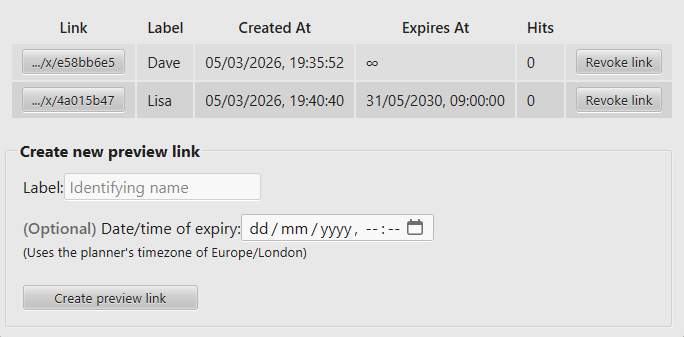
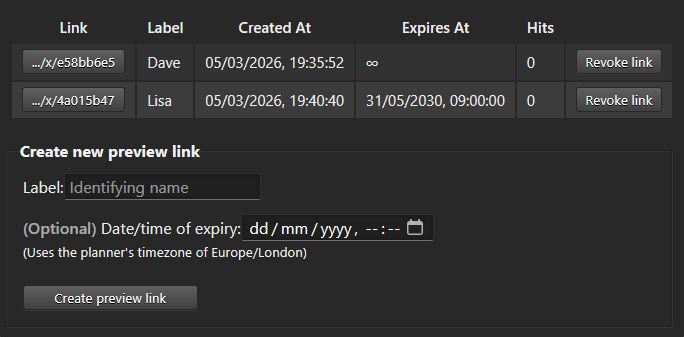
Preview links allow unprivileged people to view the currently saved planner, regardless of the protection status.
These are great for allowing your friends to view the planner, without letting them mess it up.
Or for letting a 3rd party preview your event, so they can provide feedback and make appropriate plans.
All editors are allowed to create and revoke links.
Link table
If you have any preview links, you'll see a table listing information about them.
Clicking a Link button will copy the link to your clipboard, so you can quickly share the link, without worrying about typos.
The Label helps you identify who the intended user of the link is.
The next two times are straightforward, and in your local time.
Hits shows you how many times the link has been opened. This may be handy for spotting a link being shared more than intended.
Creating a preview link
Enter a good identifier for the link.
The name of the recipient, perhaps.
You next have the option to pick an expiry date/time for the link.
By default they won't expire.
If you decide to pick at date/time, then please note that it'll use the planner's assigned timezone, not yours.
Created links are instantly accessible.