Cancelling an event
Should an event no longer be going ahead, for whatever reason, you can quickly mark the event as cancelled.
Cancelled events are not shown on the homepage, or in search results, but are still accessible.
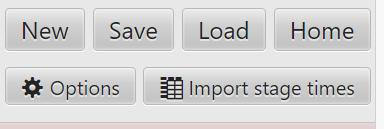
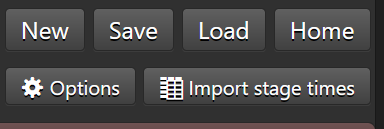
Click on the Options button.
You'll see a window open with many toggles and options.


Tick the box, and then save the planner.